Blood Slide Stainer Main Control Board
Module and power-distribution board for a laboratory blood slide stainer. A single STM32F4 controller runs the pump motors, rack and drawer electromagnets, fans and a Peltier module, and reads the level and waste sensors. Power from a single input is distributed to 12 V, 5 V and 3.3 V rails by three switching regulators.
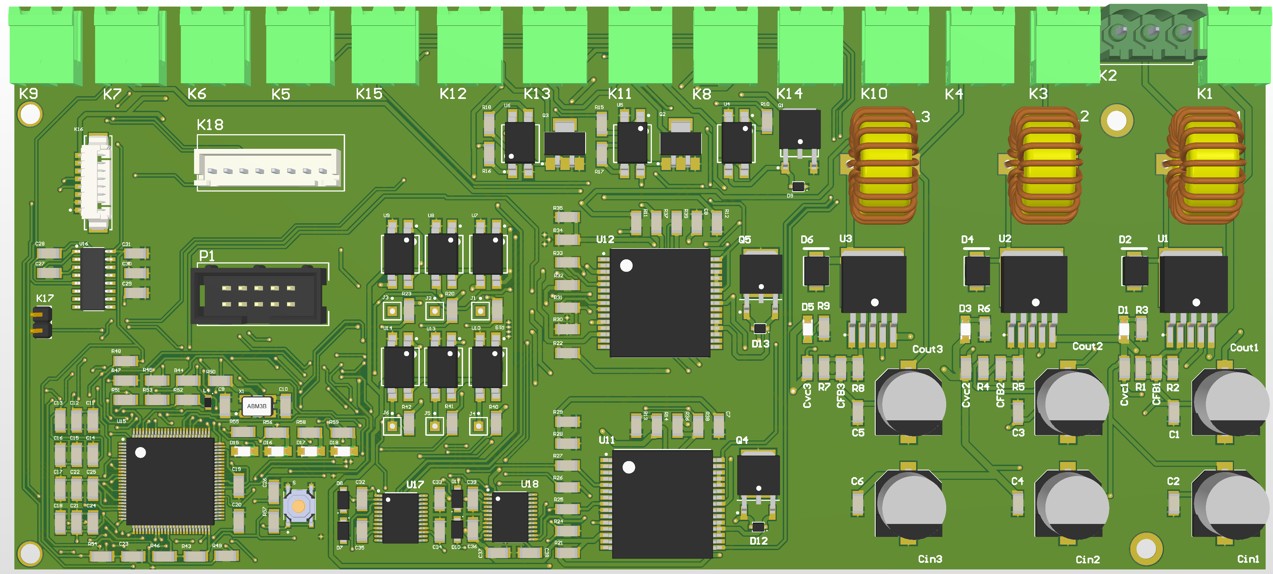
The board was designed to control every actuator and sensor of an automated blood slide stainer from a single point. The pump motors, rack and drawer locks, fans and a Peltier cooler are all driven from this board. Signals between the controller and the high-current loads are separated with optocouplers. The connection terminals run along the top edge of the board; the power input and regulators sit on the right, the motor and electromagnet drivers in the middle, and the controller in the lower-left corner.
Architecture
- Controller
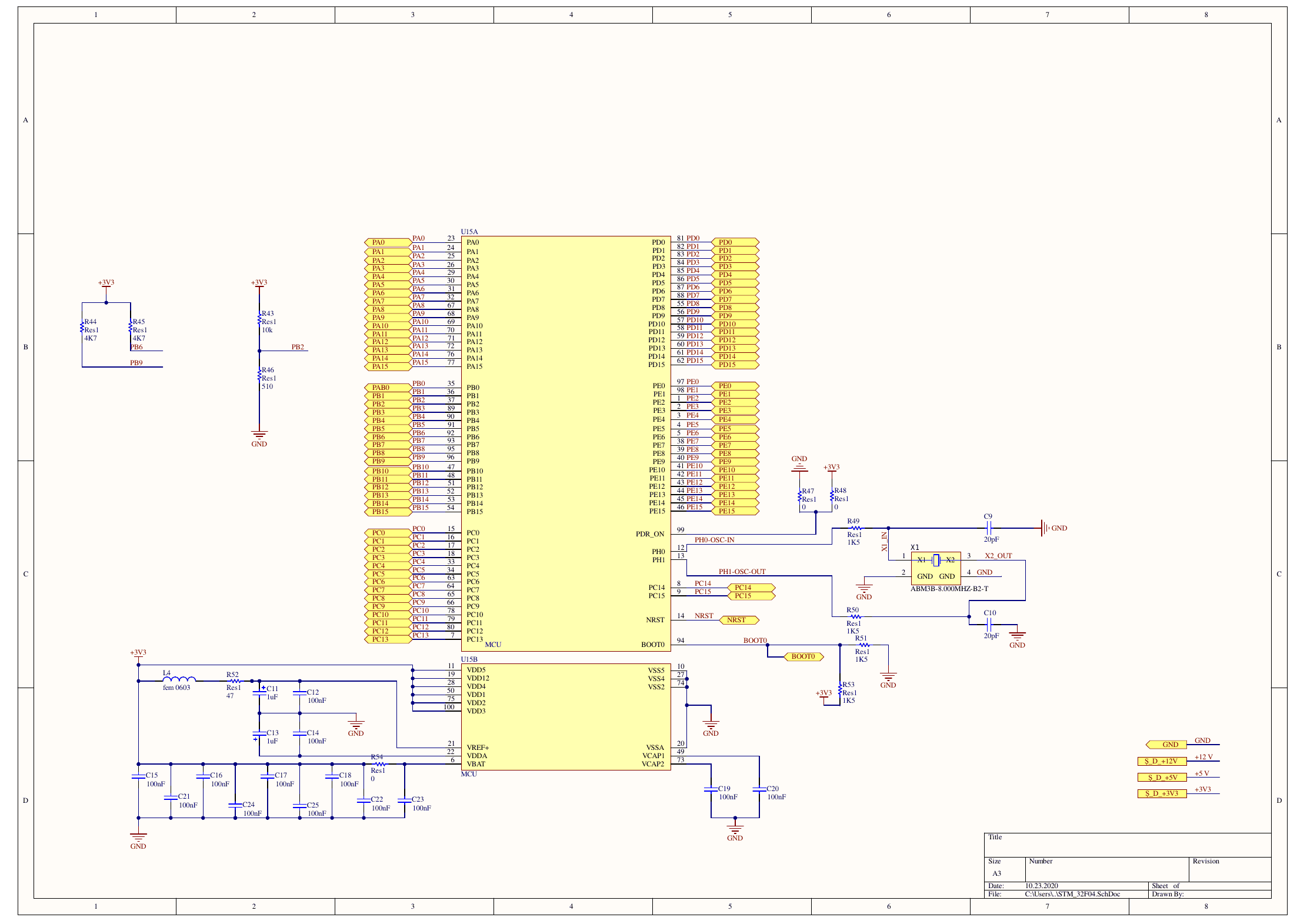
- STM32F4-series microcontroller (LQFP100), 8 MHz crystal, SWD programming header and reset/BOOT0 circuitry.
- Power distribution
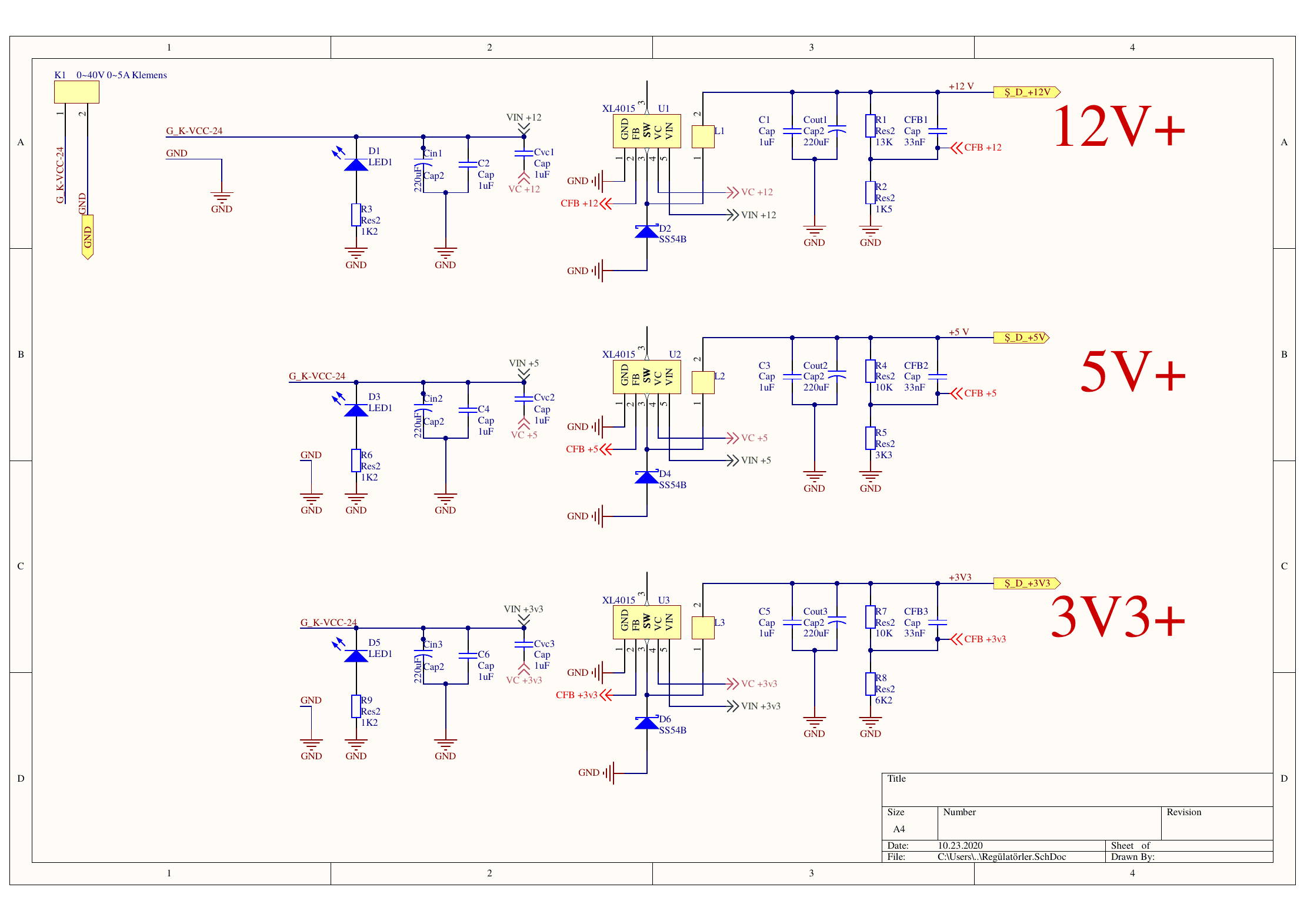
- Three XL4015 switching buck regulators derive the 12 V, 5 V and 3.3 V rails from a single terminal input; each rail has an indicator LED.
- Pump motors
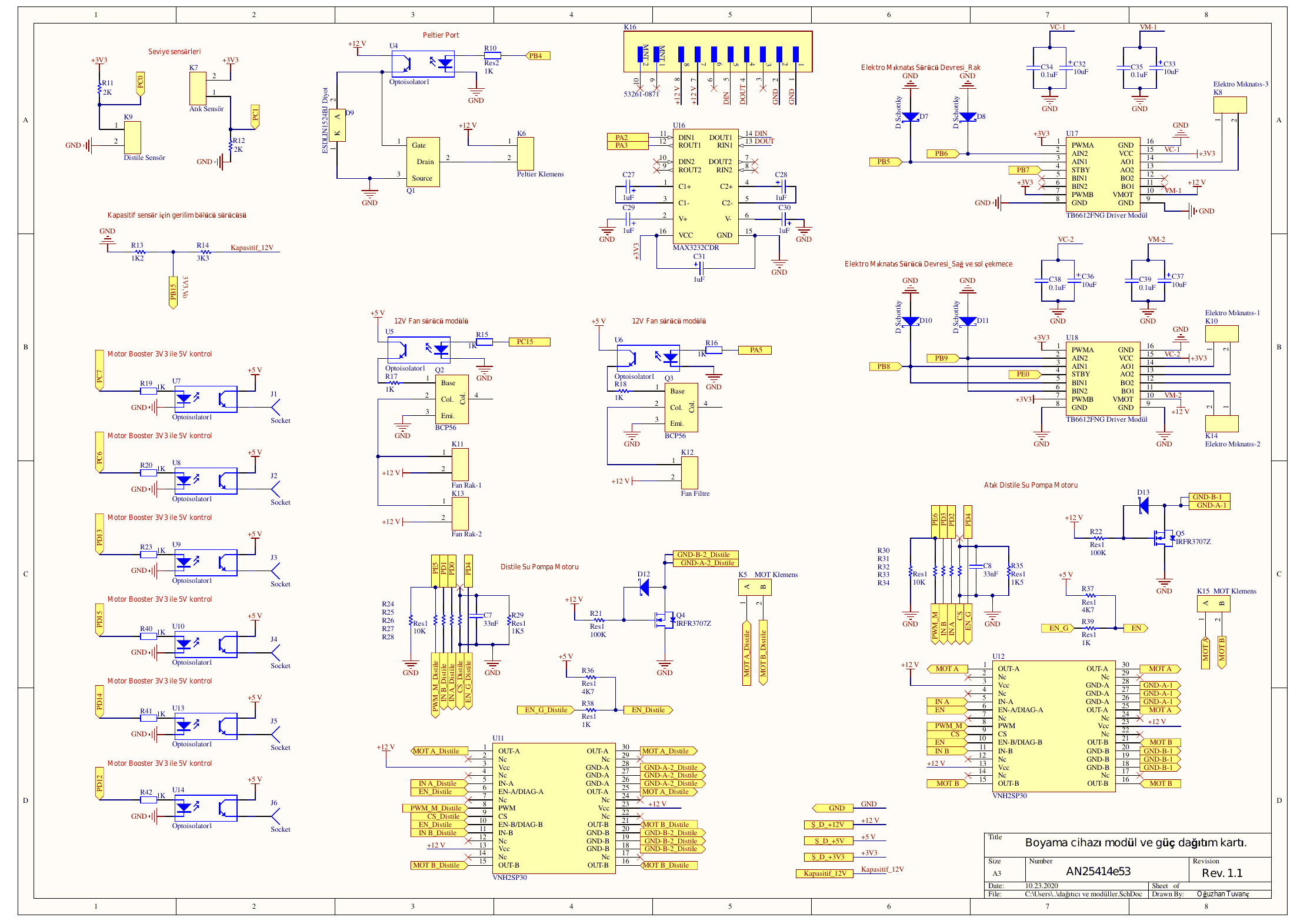
- Two VNH2SP30 full-bridge motor drivers and IRFR3707Z MOSFET switches for the distilled-water and waste pumps.
- Electromagnets
- Two TB6612FNG drivers for the rack and the right and left drawer locks, with Schottky diode protection on the coil terminals.
- Fans and Peltier
- The 12 V rack and filter fans are driven by BCP56 transistors and the Peltier module by a MOSFET; every control input goes through an optocoupler.
- Sensors
- Level, waste and distilled-water sensor inputs, plus a 12 V voltage divider for the capacitive sensor.
- Communication and interface
- An RS-232 line via MAX3232, four status LEDs and optocoupled 3.3 V–5 V control outputs for auxiliary motor boards.
- Revision 2
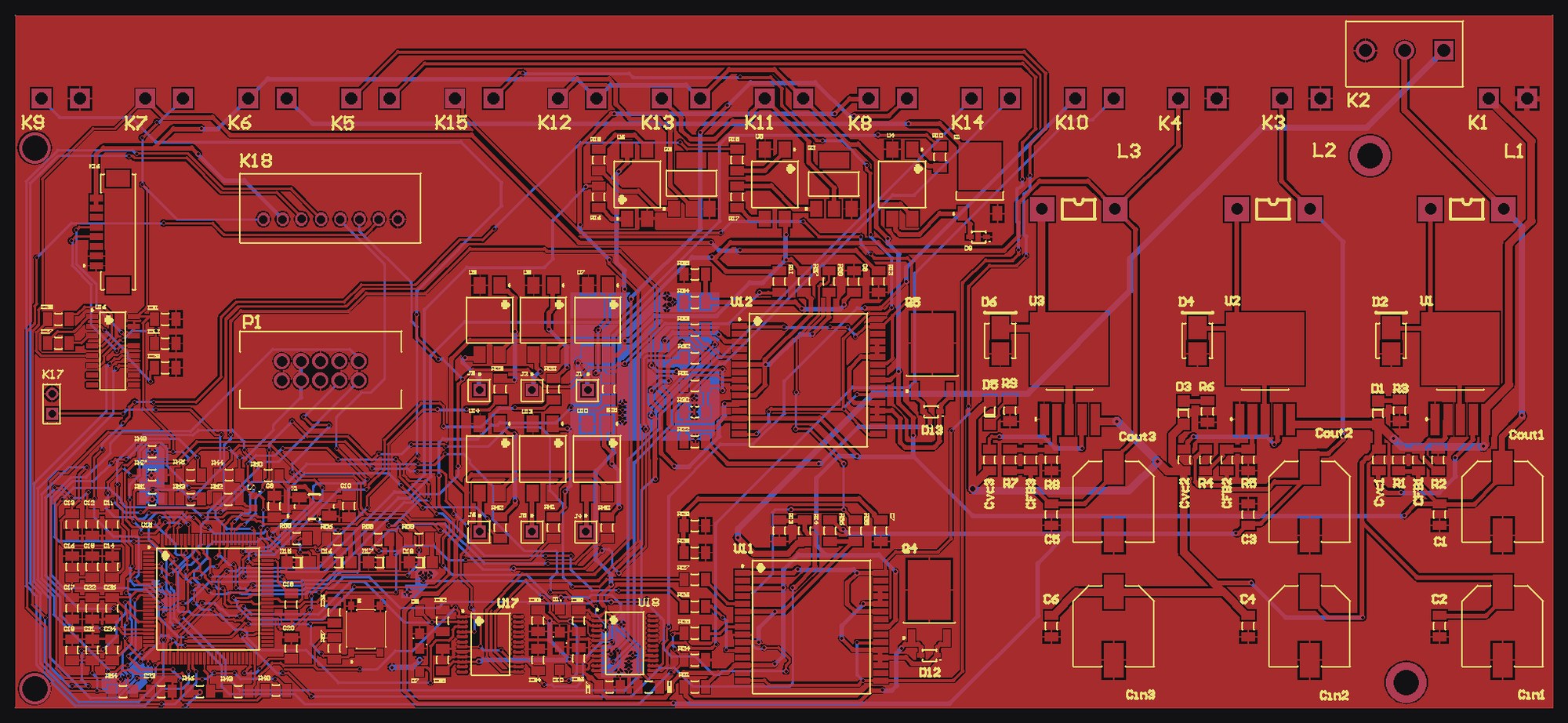
- The second revision of the board was redesigned as a four-layer board.
Images
Click an image to open it in the viewer. Click it again to zoom in on the details.
Have a hardware idea?
Let's talk through the scope and technical constraints — I'll come back with a clear picture of the steps and the time it takes.